Systems
Figma and HTML, both ways
A plugin and a local relay. Code goes into Figma, and Figma comes back out, measured.
Why one-way tools lie
Design-to-code tools go one way and lie about it. They emit auto-layout that looks right until you resize it. I wanted code and Figma to stay the same object in both directions, with an agent able to drive Figma all day without me clicking.
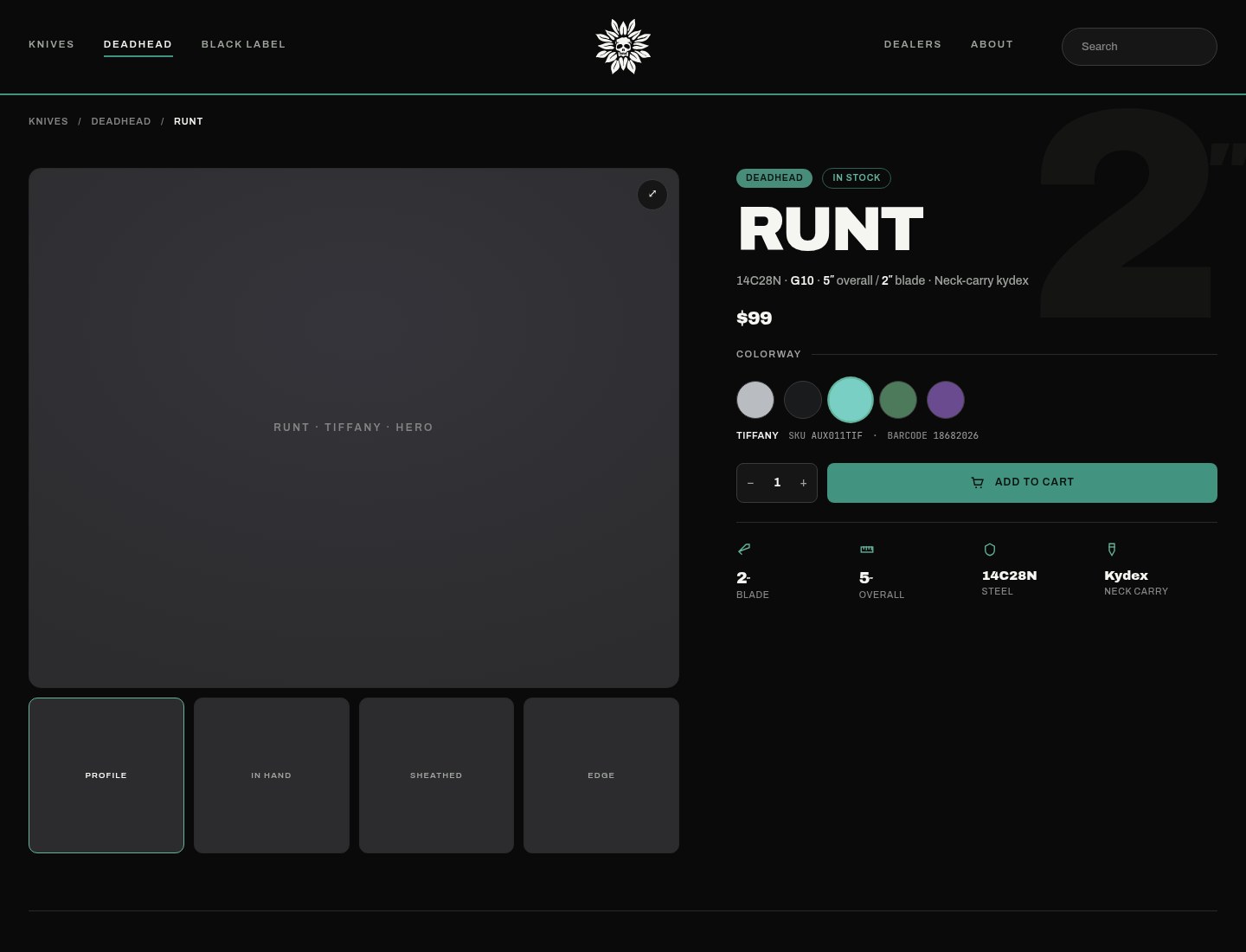
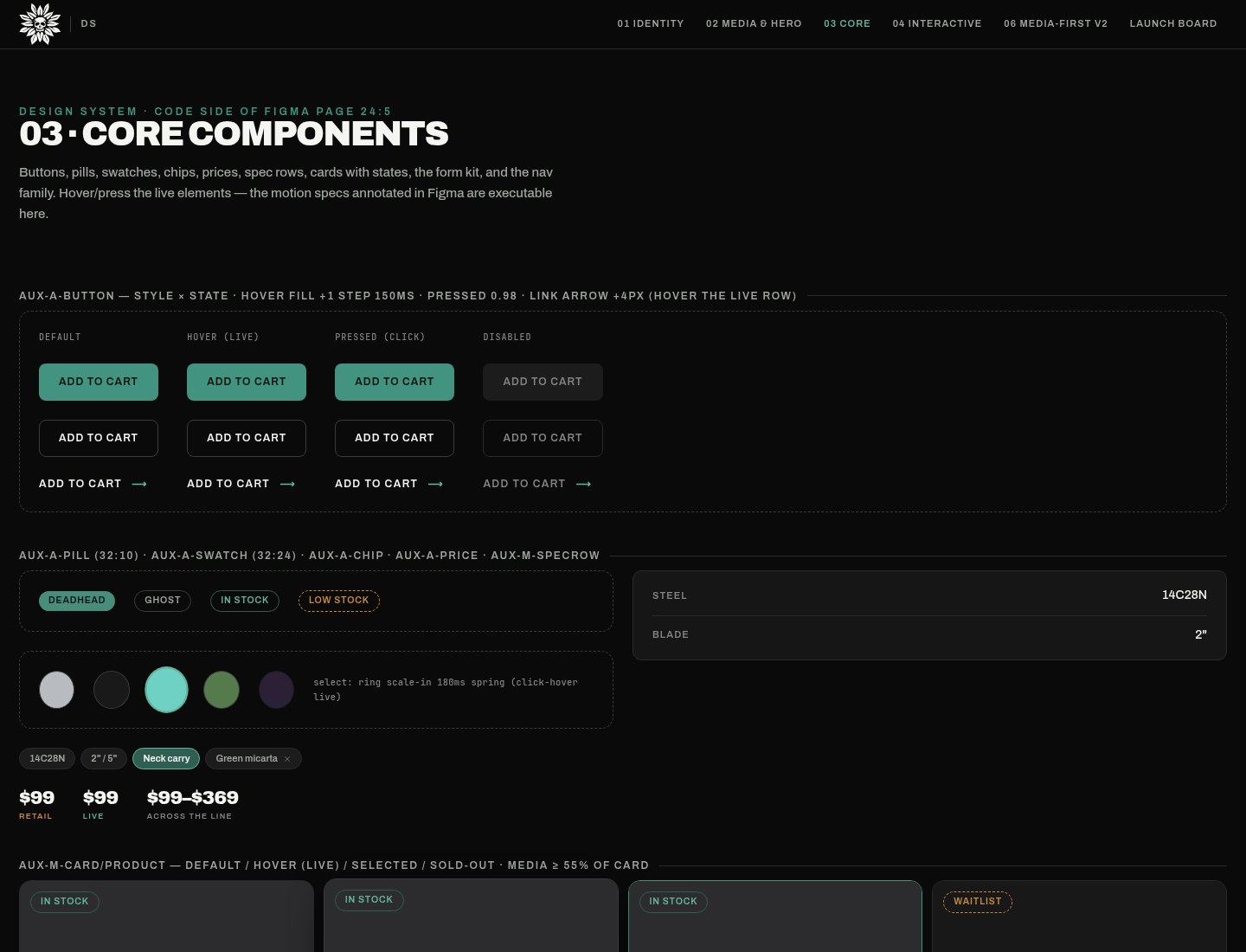
The pages this loop moves are the design-system pages. The flagship product page opens this study. It was built in code and brought into Figma.
Two jobs in one plugin
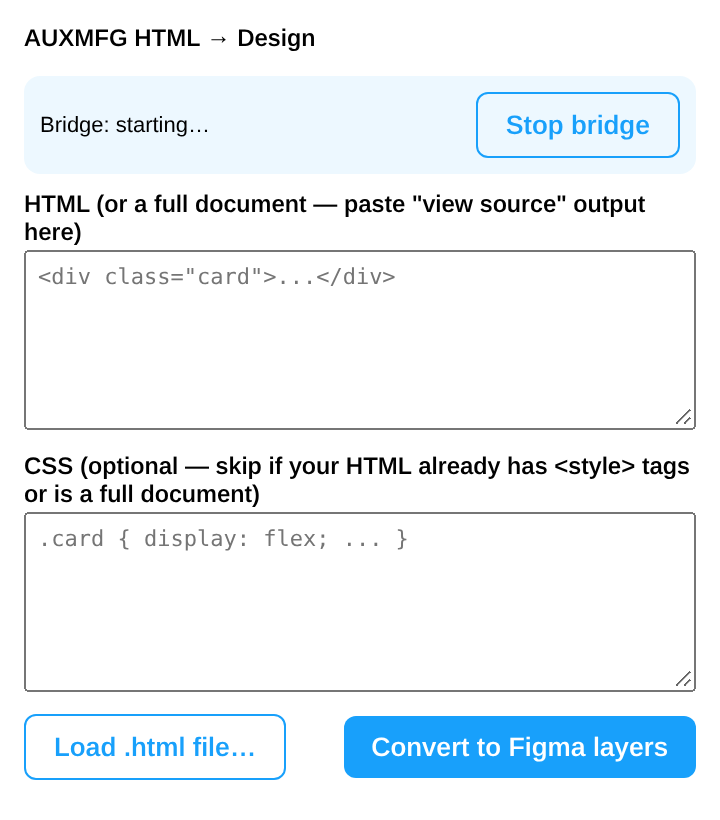
The plugin has two jobs. The interactive converter takes pasted HTML and CSS and returns native, editable Figma layers: real auto-layout, text, vectors, fills, and embedded images, offline. The background bridge starts with the plugin and polls a local relay at localhost:8765. Payloads travel from disk to HTTP to the plugin. They do not travel as generated text, which proved unreliable past 10KB.
ping, to know the bridge is alive.build, a stored capture into native nodes.html, render, walk, and build inside the plugin.serialize, a Figma node back to JSON.c2d, a code-to-design lane.

The honesty gate
The HTML renders in a hidden iframe, so the real browser resolves layout, classes, and custom properties. A walker reads computed styles and geometry into a plain JSON tree. Text runs are measured with Range, and inline SVG is serialized.
Auto layout is emitted only when a simulation proves Figma’s engine would land every child within 3 pixels of the painted page. Anything else stays exactly where it was painted. Nodes are built with font fallback and the right image scale modes. A warnings panel reports anything inexact. Zero warnings is not the same as correct, so every output is screenshot-compared against the source.
- Painted page
- Simulation
- Within 3px, auto layout
- Outside 3px, exact placement
Serialize runs the other way, from a Figma node back to JSON.
The relay
The agent writes a job to disk. The relay serves it. The plugin polls, builds native layers, and can serialize a node back out. If the bridge is down, a live capture stops.
- Agent
- Disk
- Relay :8765
- Plugin
- Figma
Payloads travel disk, then HTTP, then the plugin. They do not travel as generated text.
Measured round trip
Code to Figma to code is proven in both directions. Six of six background jobs passed. A button built by an html job measured 213×40 against 211×40 live, under 1% drift.
Along the way I found a manifest bug: allowedDomains rejects IP literals, so the host had to be localhost.
The CLI
aux-figma wraps the loop: status, launch, capture, build, sync-live, serialize, lane, and maps. Exit codes run from 0 through 4.